
Not just signing off.
Truly safe work.
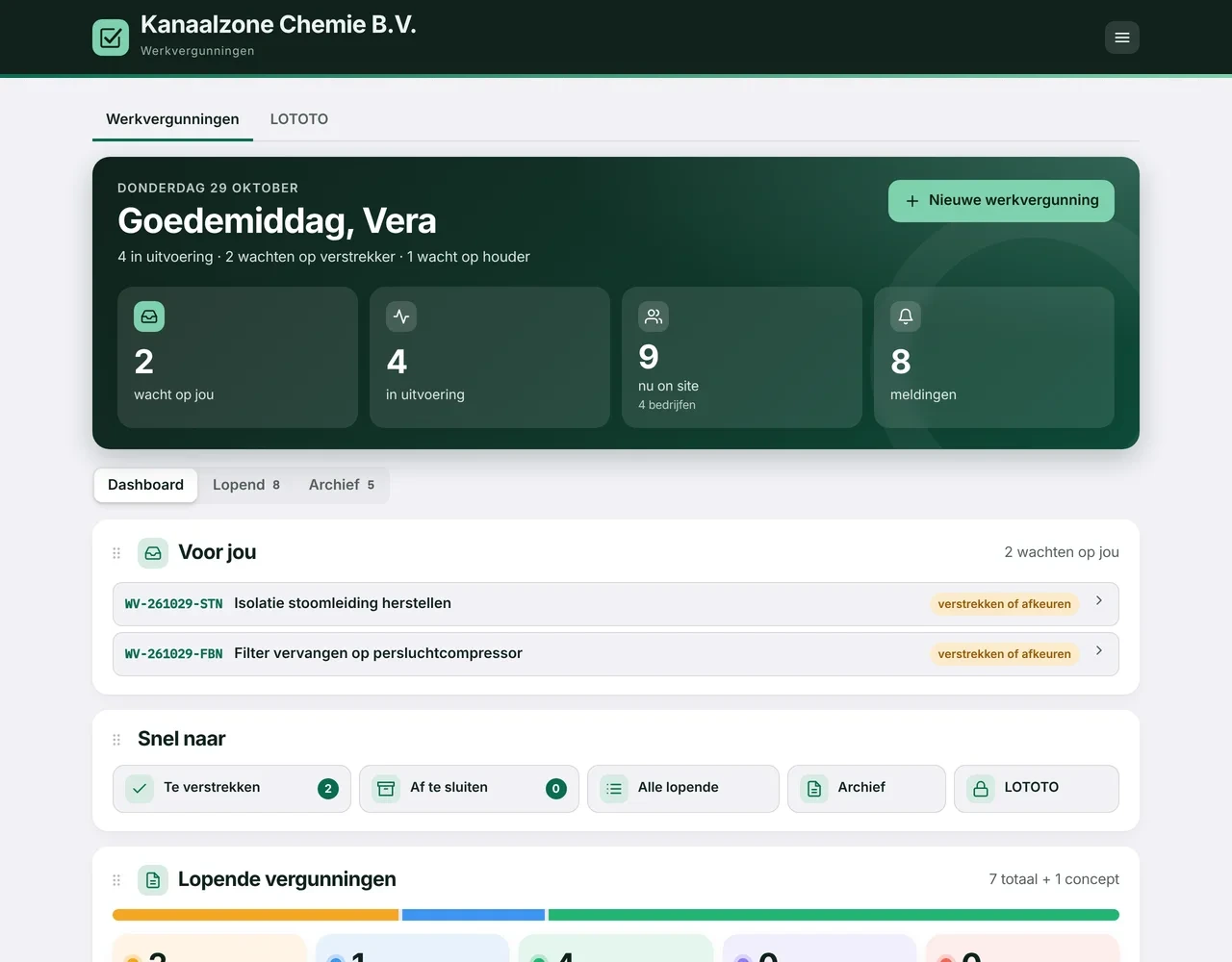
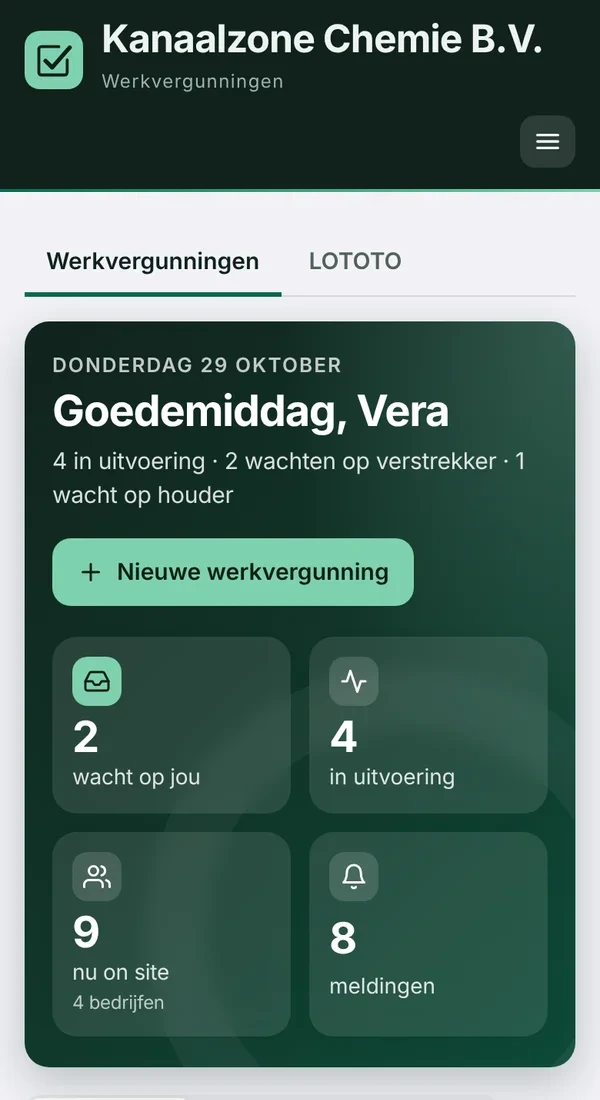
A work permit that makes people think, talk it through and start work with their eyes open. From request to archive in one place, on the phone that is already in their pocket.
How work permits are often still handled today
Paper or Excel with macros
Forms in local folders and mail scripts that send out the advance notice.
Name lists everywhere
Requesters, issuers and external workers in separate and linked files.
Rules that rely on discipline
Validity, daily sign-off and signing off on time depend on who is on duty.
A board with magnets
Who is working right now, where, and for which company? Only visible if you are standing in front of it.
Not a paper exercise, but a tool for truly safe work
The permit is the moment when requester, issuer, permit holder and workers stop together to consider the risks. The signature records the choices and agreements they made.
Prepare together
The issuer selects the precautions and checks for other work nearby. The permit holder confirms they are in place.
Every day again
Issuer and permit holder revalidate the permit together every working day. Yesterday is no guarantee for today.
Stop and think at the workplace
Permit holder and workers do the LMRA on the spot. If the answer is No, work does not start and the issuer is told straight away.
Go and see
During the safety walk (BOS round or Gemba walk), managers give recognition on the shop floor and record action points.
Eight steps, every signature records the agreements
Request
Work, location, time and contractor; enter permit holder and workers.
Issue
Select precautions, require a gas test if needed, approve or reject.
Holder approval
The permit holder signs that the precautions are in place.
LMRA at the workplace
Permit holder and workers do the LMRA. If the permit requires a gas test, a good reading comes first.
In progress
Daily revalidation, shift change and handover.
Safety walks
BOS round or Gemba walk with positive feedback and action points.
Sign off
The permit holder signs off; signing off too late can lead to a block, if you want.
Close
The issuer closes the permit, with a fixed record PDF in the archive.
What must be done is never skipped
- A fixed maximum validity. A permit does not run on forever.
- Daily revalidation. Without the signatures of issuer and permit holder, the day does not start.
- Four eyes. Issuer and permit holder are never the same account.
- Signed off too late. Anyone who does not sign off on time can be blocked.
- Fixed safety rules. For example, a confined space always needs a hole watch outside who co-signs.
Ready for the audit
Who, what, when
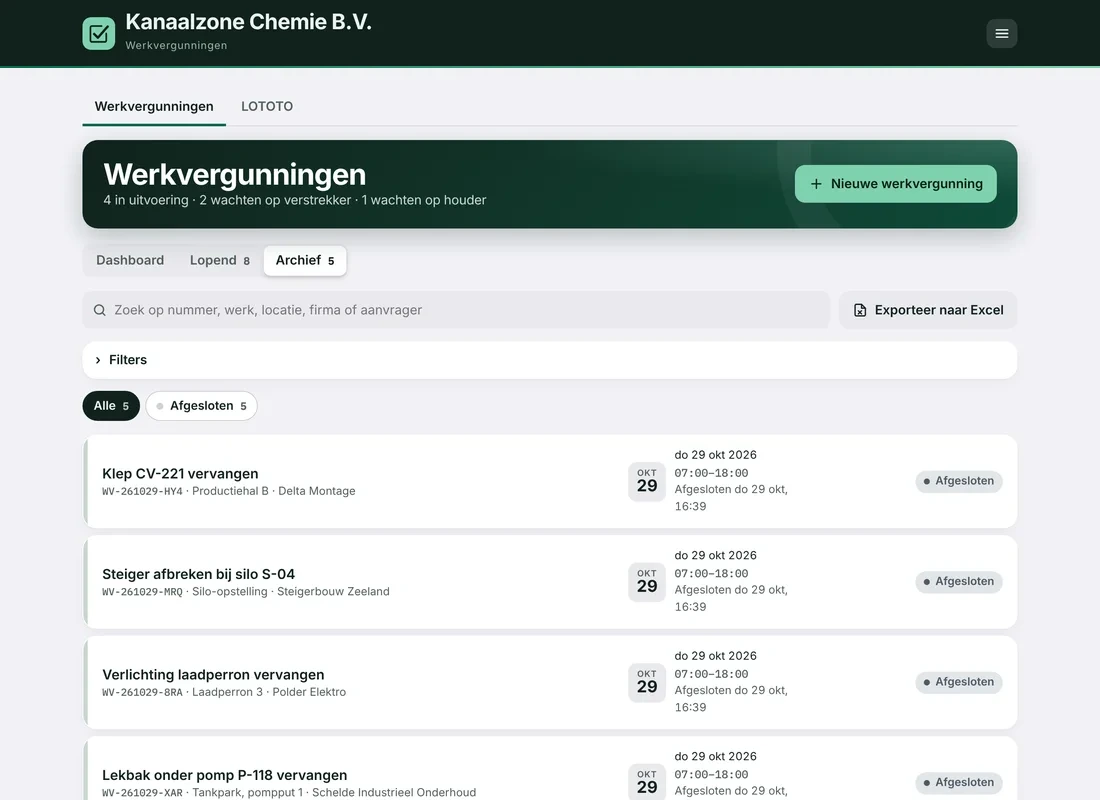
For each permit, every signature, change and notification is logged with name and time.
Fixed record PDF
On closing, a fixed PDF with all signatures goes into the archive.
Found again quickly
Find any permit quickly with search and filters.
Export to Excel
Exactly the list you see, ready for the auditor or the inspector.
Your data stays yours
Your own database
Each company has its own database, attachment folder and users. A login at company A does not work at company B.
Sign in with Microsoft
Connects to your own Microsoft Entra ID, or a one-time code by email for external workers.
Everything recorded
For each permit, who did what and when, and a fixed record PDF on closing.
No app needed
Works in the browser on phone, tablet and PC. Hosted in the EU.
Shall we put your permit side by side with ours?
Send us your current permit, as Excel, PDF or a photo of the paper form. Within 7 days you will see what it looks like in Permit2Work.