
How we start
From your current permit to Permit2Work
You do not have to start from scratch. We take your existing permit as the starting point and test it in one department first.
Step 1
Analysis
We put your current permit, in Excel or on paper, side by side with Permit2Work.
Step 2
Setup
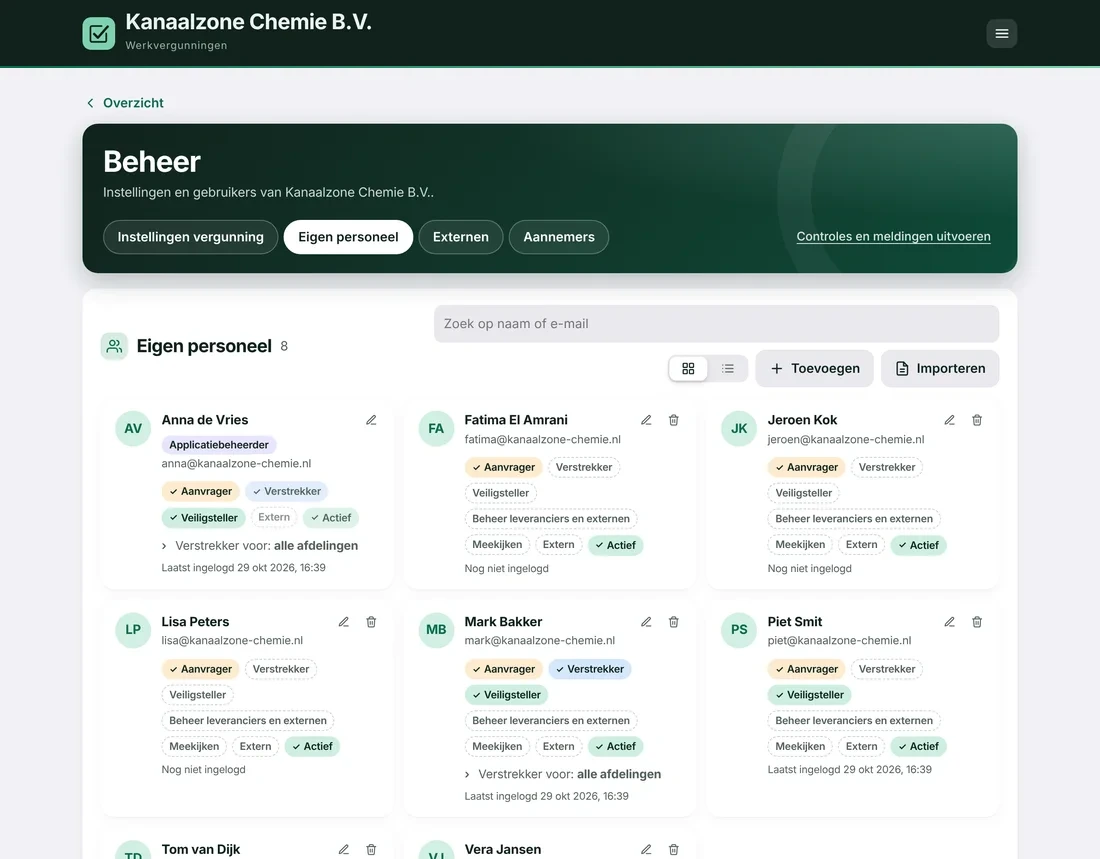
Set up options and rules, branding optional, import users and external workers.
Step 3
Pilot
Testing in one department, with a weekly review.
Step 4
Live
The whole site works digitally; the magnet board can come off the wall.
Example. At a food factory, most of the Excel permit could be set up straight away with existing options.
What we need from you
Four things, and we can get started
- Your current work permit, as Excel, PDF or a photo of the paper form.
- Sector and way of working: food, chemicals or other production, and whether you use LOTOTO, gas tests or shift work.
- A list of users and external workers, for example from Excel.
- Your logo and colours, if you like, for the app and the sign-in screen.
Curious what your permit will look like?
Within 7 days of receiving it, we will show you your own permit in Permit2Work.